

Meet the people behind this publication


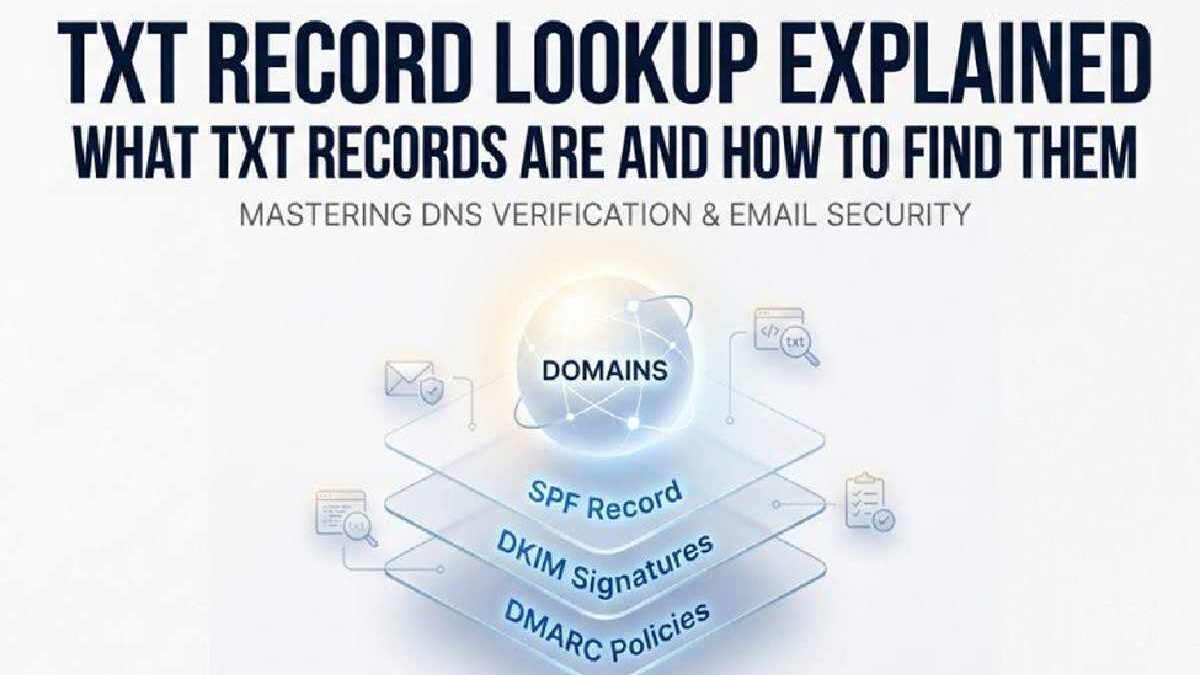
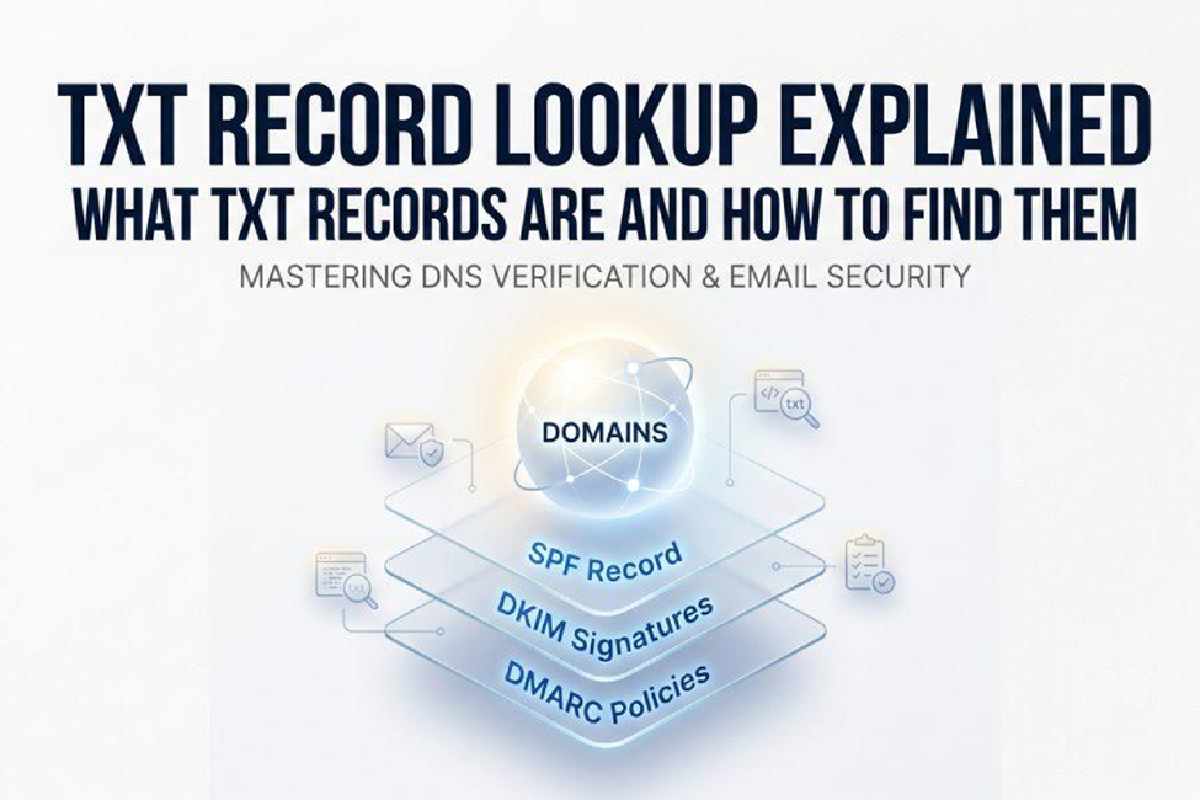
TXT Record Lookup Explained: TXT record lookup is an essential part of modern DNS management, helping organizations verify and monitor the text-based DNS entries that power email authentication, domain verification, and internet security. A DNS TXT record stores important information such as SPF, DKIM, and DMARC policies, allowing domain owners to protect against spoofing, phishing, and unauthorized email use while also supporting domain ownership verification for cloud services and third-party platforms.
By performing a TXT lookup through online DNS tools or command-line utilities like nslookup and dig, administrators can quickly check whether records are correctly configured, troubleshoot DNS issues, validate email security settings, and ensure reliable communication across the internet.
This article belongs in Automation ESTable of Contents
What TXT Records Are and Why They Matter?
A TXT record (short for “text record”) is a type of DNS record that allows domain owners to store arbitrary text in the Domain Name System (DNS). Unlike standard DNS record types such as A record (IPv4 addresses), AAAA record (IPv6 addresses), MX record (mail servers), or CNAME record (canonical names), the DNS TXT record is designed to hold free-form text for a variety of authentication, verification, and informational purposes.
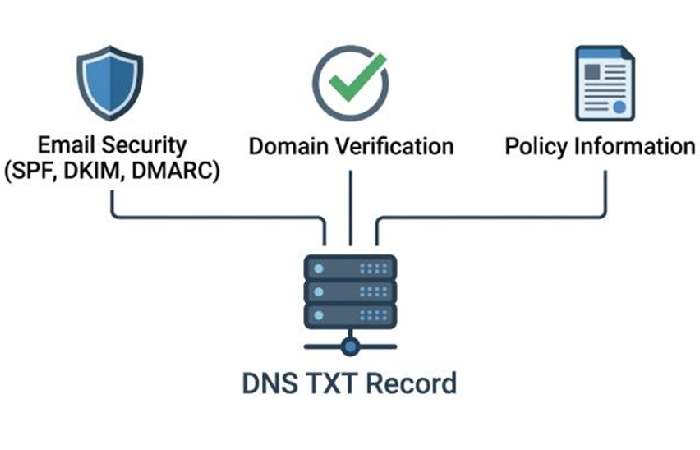
Emerging use cases for dns txt record entries range from email security protocols, such as SPF, DKIM, and DMARC, to services that require you to verify domain ownership or embed policy information. Because of this flexibility, the txt record lookup has become a crucial process for IT administrators, security professionals, and anyone involved in DNS management or troubleshooting.
When you perform a txt lookup, you effectively run a dns query against the authoritative name servers for the target domain name, asking them to return all TXT resource records they have for that zone. This step is integral not only for ensuring the expected information is published, but also for dns diagnostics, security assessments, and ongoing email health monitoring.
Common Uses of TXT Records: SPF, DKIM, DMARC, and Verification
Email Security and Authentication
The vast majority of records for a domain using the text record format are associated with email deliverability and anti-spam policies. Three primary protocols utilize dns txt record entries:
- SPF Record (Sender Policy Framework): Declares which mail servers are authorized to send email on behalf of your domain name. Any dns checker or lookup tool will typically display this in the form v=spf1 ….
- DKIM (DomainKeys Identified Mail): Publishes a public cryptographic key as a text record. Receiving mail servers use this to verify the authenticity of an email’s digital signature and confirm it originated from your domain.
- DMARC (Domain-based Message Authentication, Reporting & Conformance): Uses a txt lookup to announce the domain’s email authentication policy and reporting address, bridging the gap between SPF and DKIM for strict enforcement and email verification.
In addition, protocols like BIMI, MTA-STS, and TLS-RPT utilize TXT, CNAME, or other DNS record types to enhance transparency and communication between senders and recipients on the public internet.
Domain Ownership Verification and Service Integrations
Aside from email security, txt lookup plays a vital role when services such as Google, Microsoft, or KnowBe4 instruct you to add a DNS TXT record to prove domain control. This is a fundamental step to verify domain ownership for SSL issuance, cloud service setup, and even integration with cybersecurity platforms (like Delivery Center and EasySender).
How TXT Record Lookup Works in DNS?
The DNS TXT Lookup Process and Resource Records
When a txt record lookup is initiated, a DNS resolver sends a dns query to the authoritative name servers for the domain. The lookup specifically requests TXT-type resource records. If a server is authoritative for that zone, it responds with all current dns txt record entries associated with the queried domain name. If using dns tools or a domain scanner, the dns response will enumerate every TXT-type resource record present.
Here’s a typical TXT record DNS workflow:
- A client (human or automated) initiates a TXT lookup using a tool, API, or command line.
- The local DNS server (or a private dns server) receives the request and determines whether it is authoritative for the domain.
- If not authoritative, it recursively queries the authoritative name servers listed in the NS record for the zone.
- The authoritative server responds with the TXT record data, or with a non-authoritative answer if returning cached data.
- The result contains arbitrary text, such as SPF or DKIM information, policy statements, validation tokens, or security directives.
How to Find TXT Records Using Online Tools and Command-Line Methods?
Using Online DNS Lookup Tools
A wide array of dns checker, lookup tool, and domain scanner platforms make it easy to check dns txt records for any given domain without technical overhead. Leading web-based solutions include:
- MxToolbox: Their SuperTool supports direct txt lookup, along with integrated checks for SPF, DKIM, DMARC, and associated email security mechanisms.
- EasyDMARC: Not only does it reveal TXT records, but it also analyzes DMARC, SPF, and DKIM configurations, providing actionable insights to improve email health and monitoring.
- io: Offers multi-type DNS lookups (A, AAAA, CNAME, MX, TXT, SOA) and deep diagnostic reporting for any domain.
- Delivery Center, EasySender, and Touchpoint: Specialized platforms focusing on bulk dns lookup, monitoring, and email verification—often via an integrated API reference.
Simply enter your domain name into the relevant field, select “TXT” or “text,” and review the records for a domain. These tools simplify administrative tasks, allow for rapid troubleshooting, and help assess vulnerability to blacklists or misconfiguration.
Useful Features Provided by Online Tools
- Bulk or scheduled monitoring of TXT entries for dns record types
- Integration with command line tool options for automation
- Data export and compliance checking, including links to security standards like DNSSEC
Querying TXT Records from Command Line
For advanced users or those managing large-scale infrastructure, command prompt or terminal-based queries provide speed and flexibility. Two industry-standard methods are nslookup and dig:
Nslookup Command (available on Microsoft Windows, Mac OS, and Linux):
nslookup -type=TXT example.com
- This command queries TXT records for your chosen domain name. Replace example.com with the target domain.
Dig Command (preinstalled on Linux, available for Mac OS and Windows):
dig TXT example.com
- The dig command outputs comprehensive results, including dns response details, TTL, and whether the server provides an authoritative or non-authoritative answer.
Both methods can be scripted for regular monitoring, input into a domain scanner, or integrated into DevOps workflows. It’s also possible to use host -t TXT example.com on Linux, should dig or nslookup not be available.
