
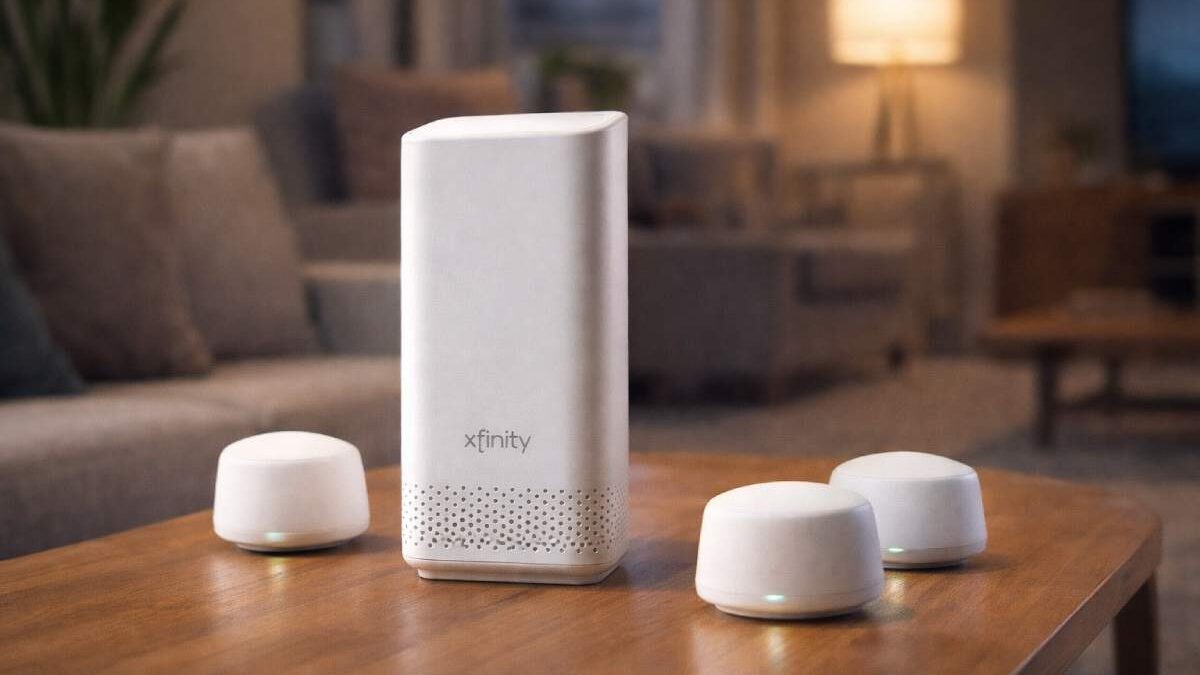
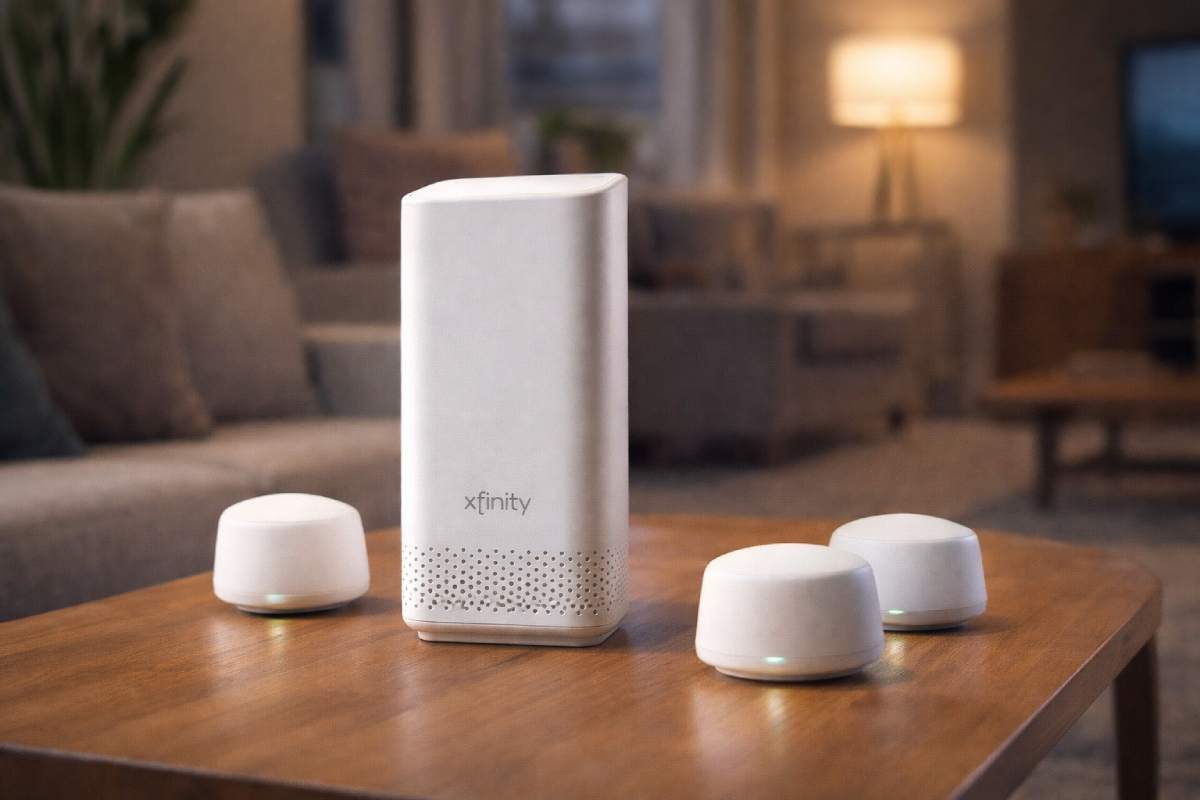
xFi Complete is Xfinity’s premium add-on that bundles unlimited data (in most cases), an xFi Gateway (managed modem/router), whole-home Wi-Fi (pods/extenders as needed), and advanced security — typically for about $25/month. For many households, it’s an easy way to avoid data overage worries and simplify home networking, but its value depends on your plan, device ownership, and whether Xfinity’s newer unlimited plans already include similar benefits.
Table of Contents
xFi Complete – What It Is
If you’re seeing an “xFi Complete” line on your Xfinity bill or researching upgrades, this guide breaks down what xFi Complete actually provides, how it differs from simply renting an Xfinity Gateway, who benefits most, and how current Xfinity plan changes affect the offer.
Quick definition: xFi Complete is a bundled add-on from Xfinity that combines an xFi Gateway rental, unlimited data (where applicable), whole-home Wi-Fi coverage support, and enhanced security/parental controls — marketed as a single, managed home networking solution.
Why People Ask About xFi Complete
Users usually search “xFi Complete” because they want to:
- Avoid surprise data overage fees and get unlimited data.
- Simplify home networking (gateway + coverage extenders included).
- Improve Wi-Fi coverage without buying/setting up complex mesh kits.
- Add security features and parental controls across devices.
If any of those are pain points for your household — spotty Wi-Fi, streaming lag, or recurring overage alerts — xFi Complete is the package Xfinity built to address them.
What xFi Complete Usually Includes
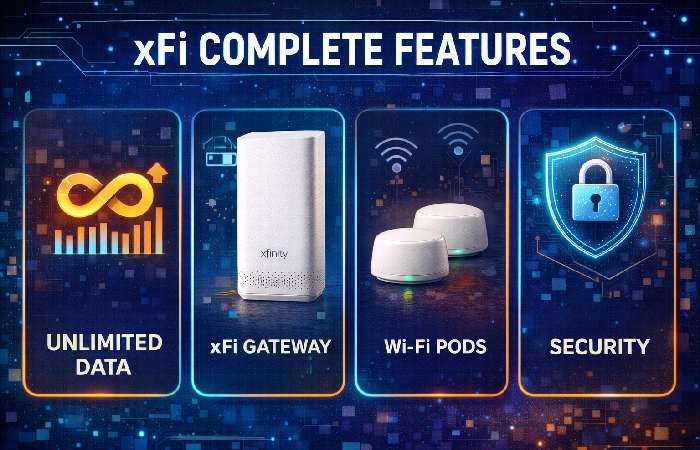
Note: exact inclusions and price can vary by region and over time. Check your account or regional offers for precise details.
| Included Feature | What it does |
| Unlimited data | Removes (or upgrades) monthly data caps so heavy streaming/downloads won’t trigger overage charges. |
| xFi Gateway rental | Managed modem + router (firmware and diagnostics run by Xfinity). |
| Whole-home Wi-Fi | Xfinity may provide xFi Pods or extenders after a Wi-Fi assessment for better coverage. |
| Enhanced security | Advanced Security tools (malware/blocking, device monitoring, parental controls). |
| Support & management | One phone for troubleshooting and remote device management by Xfinity. |
Pricing examples reported by customers and guides typically show xFi Complete around $25/month, but offer details and historical discounts vary.
xFi Gateway vs xFi Complete — What’s the Difference?
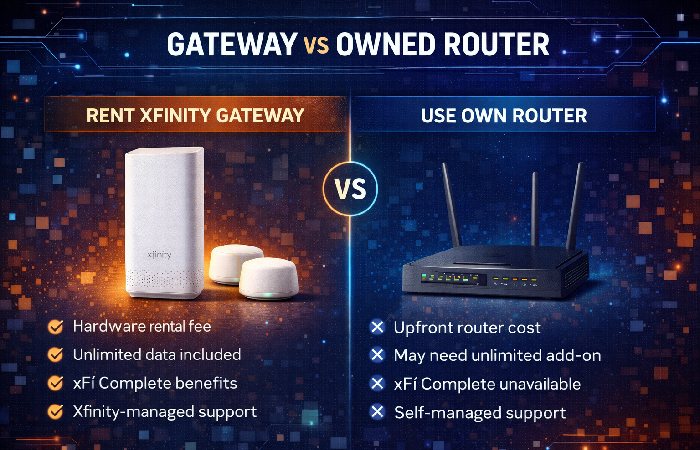
Short answer: the Gateway is hardware; xFi Complete is the full package (data + equipment + support + features).
| Item | xFi Gateway | xFi Complete |
| What it is | The physical modem/router (rental or owned) | Premium bundle (gateway + unlimited data + whole-home Wi-Fi + security) |
| Required for | Basic connectivity | Advanced services and no data worry |
| Cost to rent (typical) | Gateway rental fee (varies) | Gateway included as part of xFi Complete price |
| Unlimited data | No (unless you buy unlimited separately) | Yes (where offered as part of the bundle) |
If you own a compatible modem/router, you may not need the Gateway rental — but note: xFi Complete often applies only when you use an Xfinity-managed gateway. Community reports show different upgrade pricing if you use your own equipment.
How Much Does xFi Complete Cost?
- Common reported price: ~$25/month. (This is the widely reported price for the bundle in recent consumer guides.)
- Historically, Comcast restructured unlimited data pricing when launching this bundle — some earlier announcements showed discounts for gateway renters. Corporate communications and press coverage note the company has moved to simpler, often unlimited plans in many markets.
Important: Xfinity frequently updates plan pricing and packaging (regional promos, price-locks, or national product changes). Always confirm in your Xfinity account > Plans & Add-ons before purchasing.
Do You Really Need xFi Complete? A Practical Checklist
Use this checklist to decide fast.
- You regularly hit or near Xfinity’s data threshold (e.g., 1.2 TB) → xFi Complete is worth considering.
- You rent Xfinity hardware and want one-stop support → yes, the managed gateway simplifies fixes.
- You have rooms with poor Wi-Fi and want mesh pods included post-assessment → high value.
- You run a small home business or stream/gaming across many devices → likely valuable.
- You already have gigabit plans that include equipment & unlimited data in your region → less necessary.
Real-World Pros & Cons
Pros
- No more surprise overage charges on most plans (unlimited data).
- Easy setup, managed hardware, and one vendor for support.
- Wi-Fi Pods/extenders provided where needed — good for older homes.
- Security tools and parental controls baked in.
Cons
- Extra monthly cost if you don’t need unlimited data.
- Some customers prefer owning premium third-party routers/mesh for advanced features.
- In some areas Comcast has rolled unlimited data into base plans, lowering the incremental value of xFi Complete.
How Xfinity’s Plan Changes Affect xFi Complete
In recent network updates, Comcast simplified its Xfinity internet plans and in many markets included unlimited data with the base plan options — reducing the need to buy xFi Complete purely for unlimited data. However, xFi Complete still bundles whole-home Wi-Fi and advanced security which may not be included by default. If your selected speed tier already includes unlimited data and the Gateway, evaluate the incremental value (Wi-Fi Pods + security) against the extra monthly cost.
Step-by-Step: How to Add or Remove xFi Complete
- Sign into My Account (Xfinity app or web).
- Visit “Manage Plan” or “Add-ons”.
- Locate xFi Complete and view price for your address.
- Request a free Wi-Fi assessment if coverage is an issue (technician or remote evaluation).
- Add/confirm hardware delivery and schedule installation if needed.
If you prefer the phone route, customer service can add the bundle and explain any proration or promotional pricing. Be sure to confirm any “gateway-required” clauses if you own your hardware.
Practical Comparison Table
| Scenario | Keep xFi Complete | Skip it |
| You hit data caps regularly | ✅ | ❌ |
| Home has Wi-Fi dead zones | ✅ | ❌ |
| You own & prefer a high-end router + unlimited base plan | ❌ | ✅ |
| You want hands-off support and security | ✅ | ❌ |
| Your local Xfinity plan already includes unlimited & equipment | ❌ | ✅ |
Common Questions (FAQ)
Q: Does xFi Complete guarantee unlimited data everywhere?
A: Offerings vary by region. In many areas xFi Complete provides unlimited usage, but Xfinity has been rolling out simplified plans with unlimited data in select regions. Check your account for local details.
Q: Can I use my own router and still get xFi Complete?
A: Historically xFi Complete benefits tied to rented Gateways; customers using their own routers may face different upgrade pricing. Confirm with Xfinity before switching.
Q: What are xFi Pods?
A: xFi Pods are Xfinity’s mesh extenders that improve Wi-Fi coverage. They are sometimes provided after a site assessment when you subscribe to xFi Complete or qualifying Wi-Fi packages.
Q: Does xFi Complete add advanced parental controls?
A: Yes — the bundle includes enhanced security features (device alerts, malware blocking, parental controls) through Xfinity’s xFi interface.
Final Conclusion
xFi Complete remains a compelling option for households that need worry-free unlimited data, managed gateway hardware, whole-home Wi-Fi, and built-in security — especially if you prefer a hands-off, supported networking solution. If Xfinity’s new base plans already include unlimited data and equipment in your area, the incremental value of xFi Complete narrows and you should compare the cost against third-party gear and standalone security tools. Check your Xfinity account details and run a quick cost/benefit (data usage, device ownership, Wi-Fi dead zones) before upgrading.
If your priorities are avoiding overages and getting simple whole-home Wi-Fi with a single support line, xFi Complete can be worth the $25/month — especially for busy homes with many devices. For technical users who own powerful routers or prefer self-managed networks, it may not be necessary. Always confirm the current offer and local availability before you buy xFi Complete.